
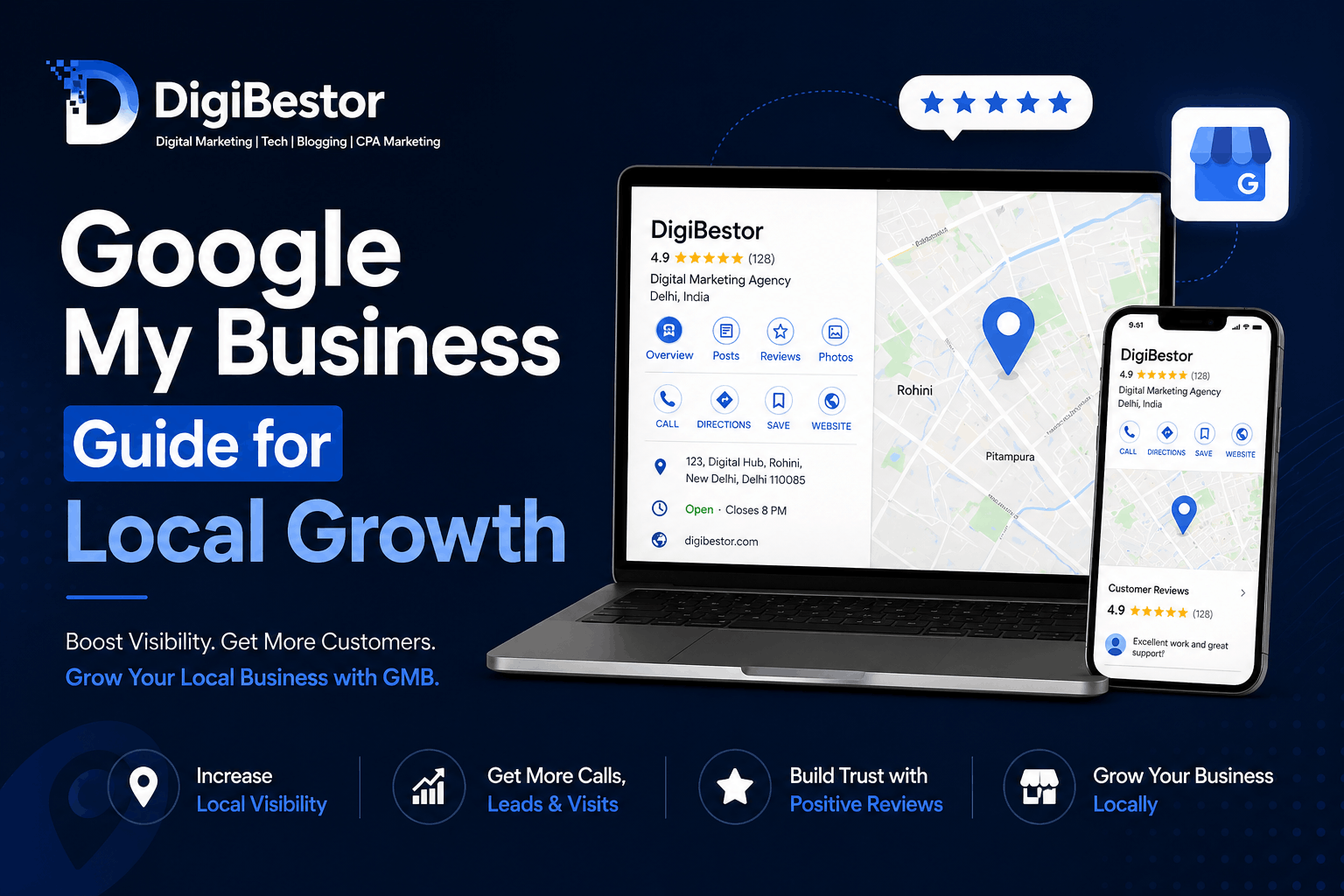
If you run a local business and your customers can’t find you on Google, you’re losing opportunities every single day.
Think about it—when someone searches “salon near me” or “best gym in Delhi,” they usually pick from the top results on Google Maps. That’s exactly where Google My Business (GMB) comes in.
In this guide, you’ll learn what Google My Business is and how to use it effectively to grow your local business.
What is Google My Business?
Google My Business (now officially called Google Business Profile) is a free tool by Google that allows businesses to appear in:
- Google Search results
- Google Maps
- Local “near me” searches
It displays important details about your business, such as:
- Name
- Address
- Phone number
- Reviews
- Photos
- Services
In simple terms, it’s your digital storefront on Google.
Why Google My Business is Important for Local Growth
1. Increases Visibility
Your business shows up when people search for services in your area.
2. Brings High-Intent Customers
People searching on Google are already looking to buy or visit—these are not random viewers.
3. Builds Trust with Reviews
Positive reviews make your business look reliable and credible.
4. Drives Calls and Visits
A well-optimized profile can generate:
- Phone calls
- Website visits
- Direction requests
How to Set Up Google My Business (Step-by-Step)
Step 1: Create or Claim Your Listing
Go to Google Business Profile and add your business details.
Step 2: Choose the Right Category
Select your main category carefully (e.g., Digital Marketing Agency).
This directly affects your ranking.
Step 3: Add Complete Information
Make sure everything is accurate:
- Business name
- Address
- Phone number
- Website
Consistency is key.
Step 4: Write an Optimized Description
Include relevant keywords naturally, like:
- digital marketing agency in Delhi
- local SEO services
- GMB optimization
Avoid keyword stuffing—keep it natural.
Step 5: Add Photos
Upload:
- Logo
- Cover image
- Work-related images
Businesses with photos get more engagement.
How to Use GMB for Local Growth
Setting up is just the beginning—growth comes from optimization and activity.
1. Post Regular Updates
Treat your GMB like social media:
- Share tips
- Announce offers
- Post updates
Aim: At least 3–5 posts per week
2. Get More Reviews
Reviews are one of the biggest ranking factors.
Ask your customers to leave feedback and:
- Reply to every review
- Use keywords in replies
3. Use Keywords Strategically
Add keywords in:
- Description
- Posts
- Reviews (naturally)
This helps Google understand your business better.
4. Answer Questions (Q&A Section)
Add common questions and answer them yourself.
Example:
- “Do you offer SEO services?”
- “Which areas do you serve?”
5. Stay Active
Google prefers active businesses.
Regular activity = better rankings
Common Mistakes to Avoid
- Incomplete profile
- Wrong category selection
- No reviews
- Inconsistent business details
- No regular updates
These mistakes can stop your growth even if your service is good.
Pro Tips for Faster Results
- Focus on getting your first 10–20 reviews quickly
- Use high-quality images
- Keep posting consistently
- Optimize for local keywords
Conclusion
Google My Business is one of the most powerful tools for local businesses—and the best part is, it’s completely free.
If used correctly, it can bring consistent leads, calls, and customers without spending on ads.
If you want to grow your business locally, optimizing your GMB profile is not optional—it’s essential.
Need help optimizing your Google My Business profile? Contact DigiBestor and start getting more local customers today.